

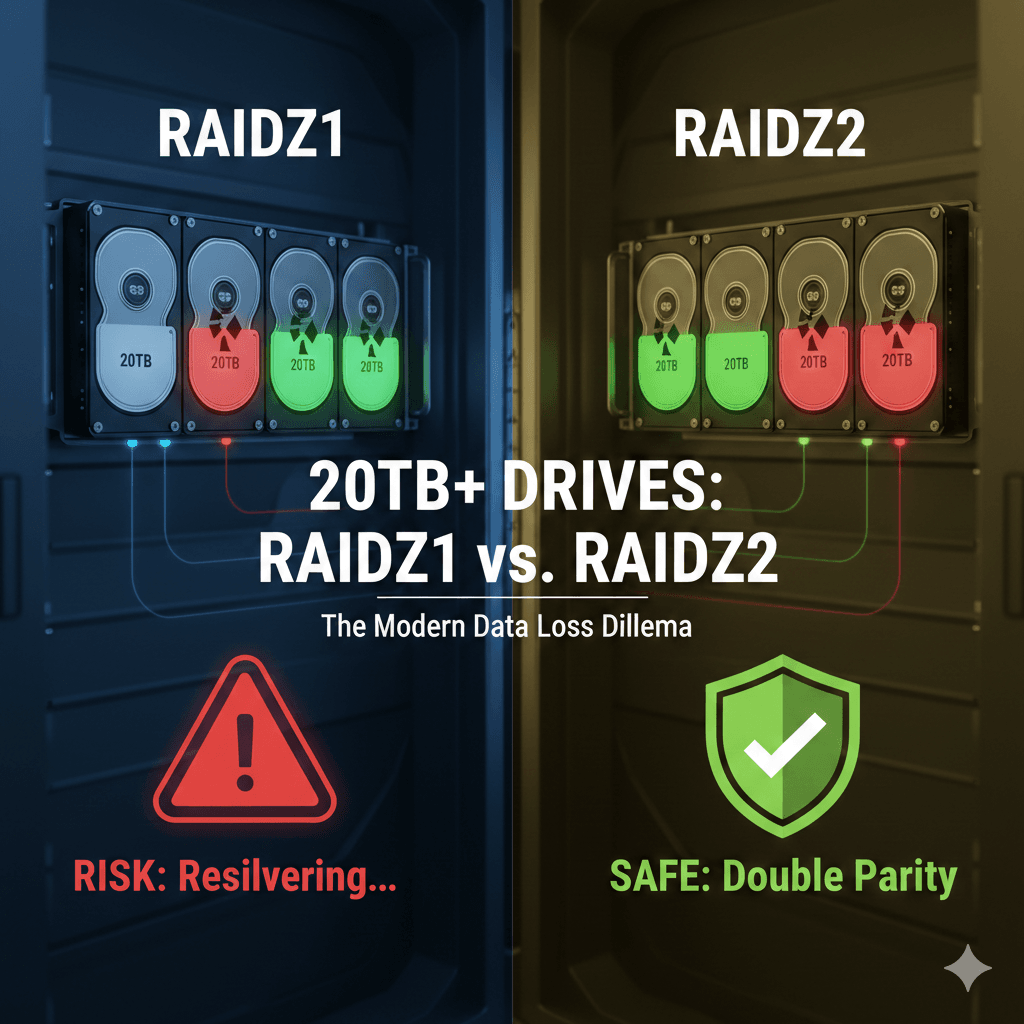
If you are building a NAS in 2026, you likely have your eyes on high-capacity drives. Prices are dropping, and the idea of putting four 20TB drives in RAIDZ1 (the ZFS equivalent of RAID 5) to maximize space is tempting.
However, in the world of professional storage, RAIDZ1 is increasingly seen as an “extreme sport.” Why? Because physics and statistics are starting to work against you.
The Danger of Resilvering Time
The real threat isn’t just a drive failure; it’s what happens after the failure.
When a 2TB drive failed ten years ago, replacing it and rebuilding the pool (resilvering) took a few hours. With a 20TB drive, resilvering can last several days, or even a week, depending on your server’s load and hardware.
Why is this a “Red Zone”?
During the entire reconstruction process, your ZFS pool is working at 100%. Your remaining drives are under maximum stress and running hot. If a second drive fails during this critical window in a RAIDZ1 setup: you lose every single byte of your data.
The Invisible Enemy: URE (Unrecoverable Read Errors)
Even if a second drive doesn’t fail completely, there is the risk of Unrecoverable Read Errors. Drive manufacturers guarantee an error rate (often 1 bit per $10^{15}$ bits read).
Statistically, the larger your drives, the higher the probability of encountering a read error while scanning all 20TB during a rebuild.
In RAIDZ1, a single read error on a block during resilvering can result in file corruption or a failed rebuild.
In RAIDZ2, ZFS uses the second parity block to correct the error seamlessly.
⚠️ The “Same Batch” Trap and the Cold Spare Myth
Many users feel safe keeping an identical “Cold Spare” drive in a drawer, ready to be plugged in. While it’s a good habit, it hides a silent killer: Batch Failure.
If you buy all your drives (including the spare) at the same time from the same retailer, there is a high probability they came from the same production line on the same day.
Why is this a problem?
Drives from the same batch share the same structural weaknesses. If there was a micro-defect in a component or a slight calibration error at the factory, all your drives are likely to fail around the same time under similar stress conditions.
The Chain Reaction
This is where the nightmare scenario happens:
One drive fails.
You insert your “Cold Spare” bought at the same time.
The resilvering starts, intensely stressing all other drives from that same batch.
Because they have the same age and the same factory weakness, a second (or third) drive may fail within 48 hours. In RAIDZ1, this is an instant “Game Over.”
Expert Advice: Diversify Your Hardware
To achieve maximum security, do not put all your data eggs in one manufacturing basket:
Stagger your purchases: Buy your drives a few months apart if possible.
Vary your suppliers: Order from two or three different retailers to increase your chances of getting different production batches.
Mix models (Carefully): As long as the specs (speed and capacity) match, you can mix brands (e.g., a Seagate IronWolf with a WD Red Plus). This ensures a manufacturing defect in one brand won’t take down your entire array.
🔬 Technical Insight: The Write Penalty
Many users hesitate to move to RAIDZ2 because of the “Write Penalty.” It is true that RAIDZ2 must calculate and write two parity blocks for every data write.
However, on modern systems with fast CPUs, the computational cost is negligible. The real bottleneck remains the mechanical speed of your disks. If you are using drives larger than 8TB, RAIDZ2 is no longer a “luxury” option; it is an insurance policy for your data’s life.
How to Test Your Current Setup?
Before deciding to wipe your pool and move to RAIDZ2, perform a stress test. Use FIO to simulate an intense read/write load:
Bash
fio --name=stress-test --ioengine=libaio --rw=randrw --bs=4k --size=4G --numjobs=4 --iodepth=32 --runtime=120 --time_based --output-format=json
Copy the result into our
Conclusion: The Cost of Sleep
RAIDZ2 “costs” you one extra drive in terms of capacity compared to RAIDZ1. But in exchange, it offers you peace of mind. You’ll know that even if a drive dies on a Friday night, you can wait until Monday to replace it without breaking a sweat.
What about you? What is the size of your drives? Are you still rocking RAIDZ1, or have you already made the move to double parity?


Related Articles

Seagate Mozaic 3+: The HAMR Revolution Shattering Storage Limits (30TB and Beyond)
As Artificial Intelligence and Big Data continue to...

Optimizing ZFS Recordsize : The (hidden) variable for massive performance gain
Optimizing ZFS Recordsize: The "Hidden" Variable for Massive Performance Gains If you’ve been diving into the world of ZFS, you’ve...